Portfolio·Case studies

Selected Work

  • AI-Assisted Dev
  • Figma MCP
  • Web
  • Accessibility
  • i18n

Democratik Website

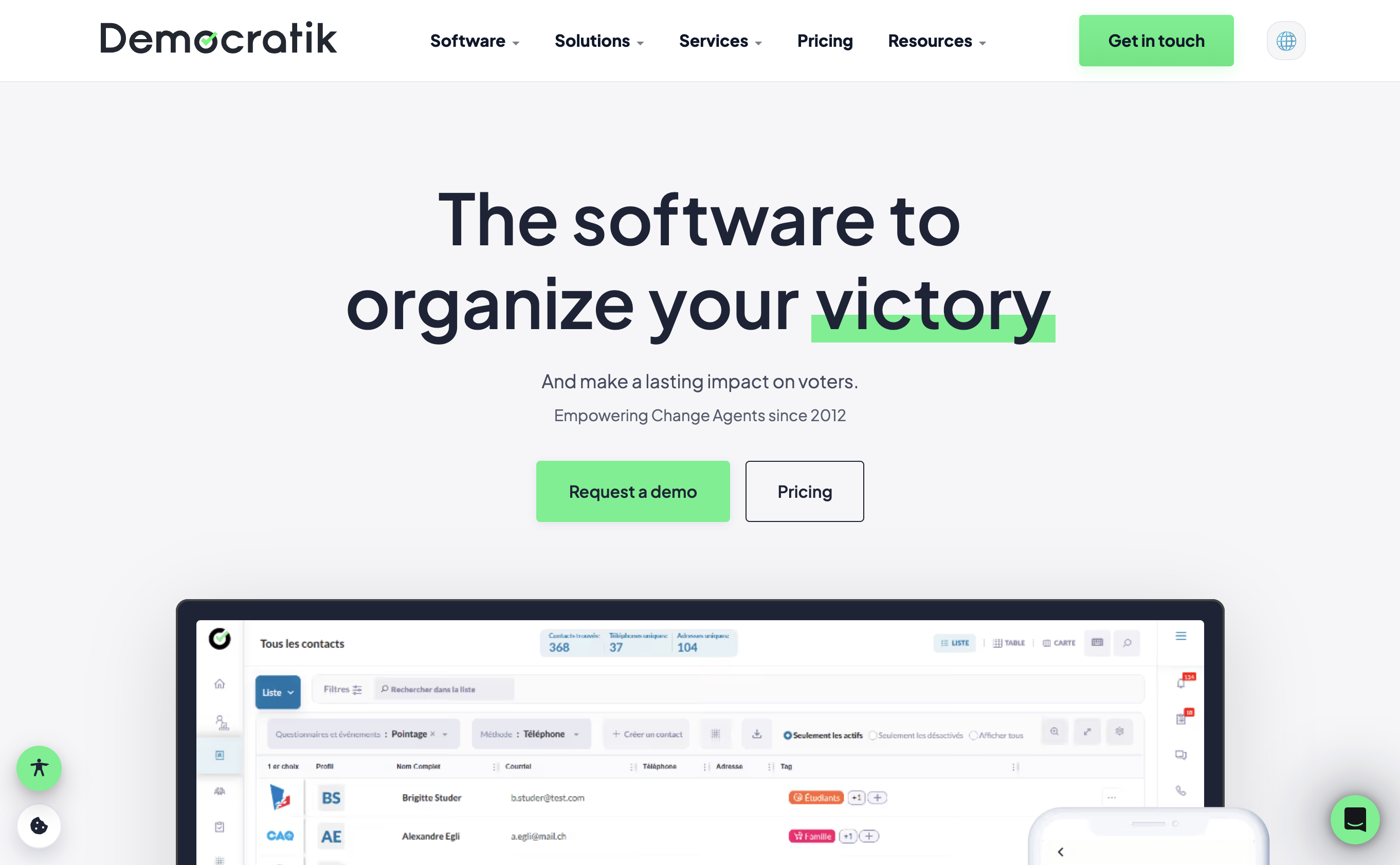
AI-assisted rebuild of democratik.org: Figma to production with Cursor, designed for clarity across languages, themes, and devices.

I designed the site in Figma and connected it to Cursor through Figma MCP to turn the file into a shipping marketing site. The nav is organized by relevance for political, nonprofit, and elected audiences. Built-in accessibility controls cover text size, contrast, night mode, motion, dyslexia-friendly type, and more. The site supports eight languages, light and dark themes, and stays clear from very wide desktops down to narrow phones. Includes a guided pricing wizard and product storytelling across 250+ software features.

Visit site
Democratik.org homepage in light theme — marketing site designed by Arun Dhungel
  • Web Design
  • Front-End
  • UX
  • SaaS

Web Design & Front-End

Client websites and SaaS marketing, from healthcare courses to Microsoft marketplace software.

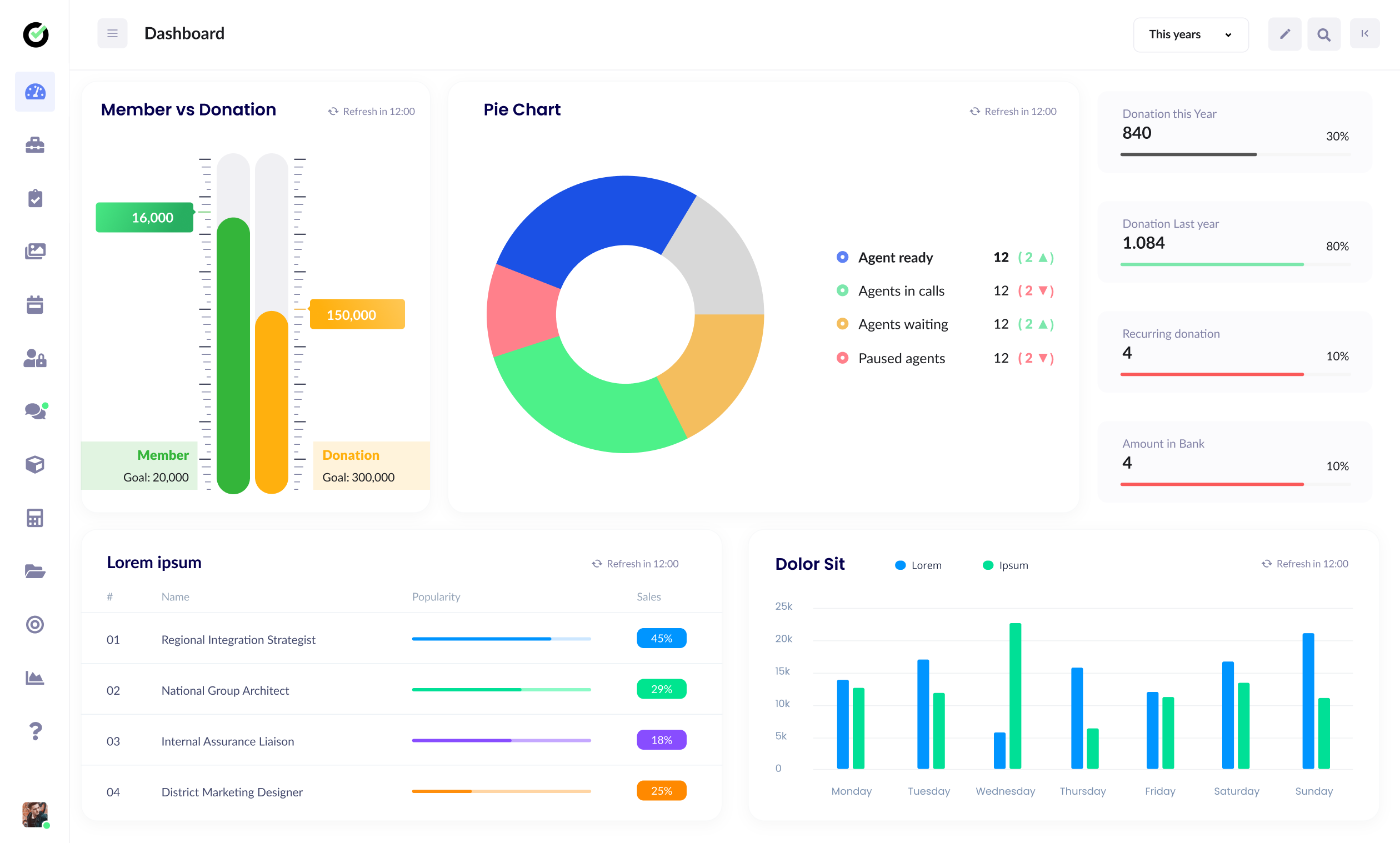
Four years at Genese (formerly Phuyal Limited) doing web design and front-end development. I grew from trainee to lead designer, covering research, IA, UI, and implementation for healthcare education, enterprise SaaS, professional services, and smaller clients.

Client website and SaaS marketing screens from Arun Dhungel’s work at Genese Solution
  • Tech Strategy
  • Web
  • AWS
  • Nonprofit
  • Volunteer

Nonprofit Technology Strategy

Technology leadership for a global nonprofit: digital presence, IT strategy, and team direction.

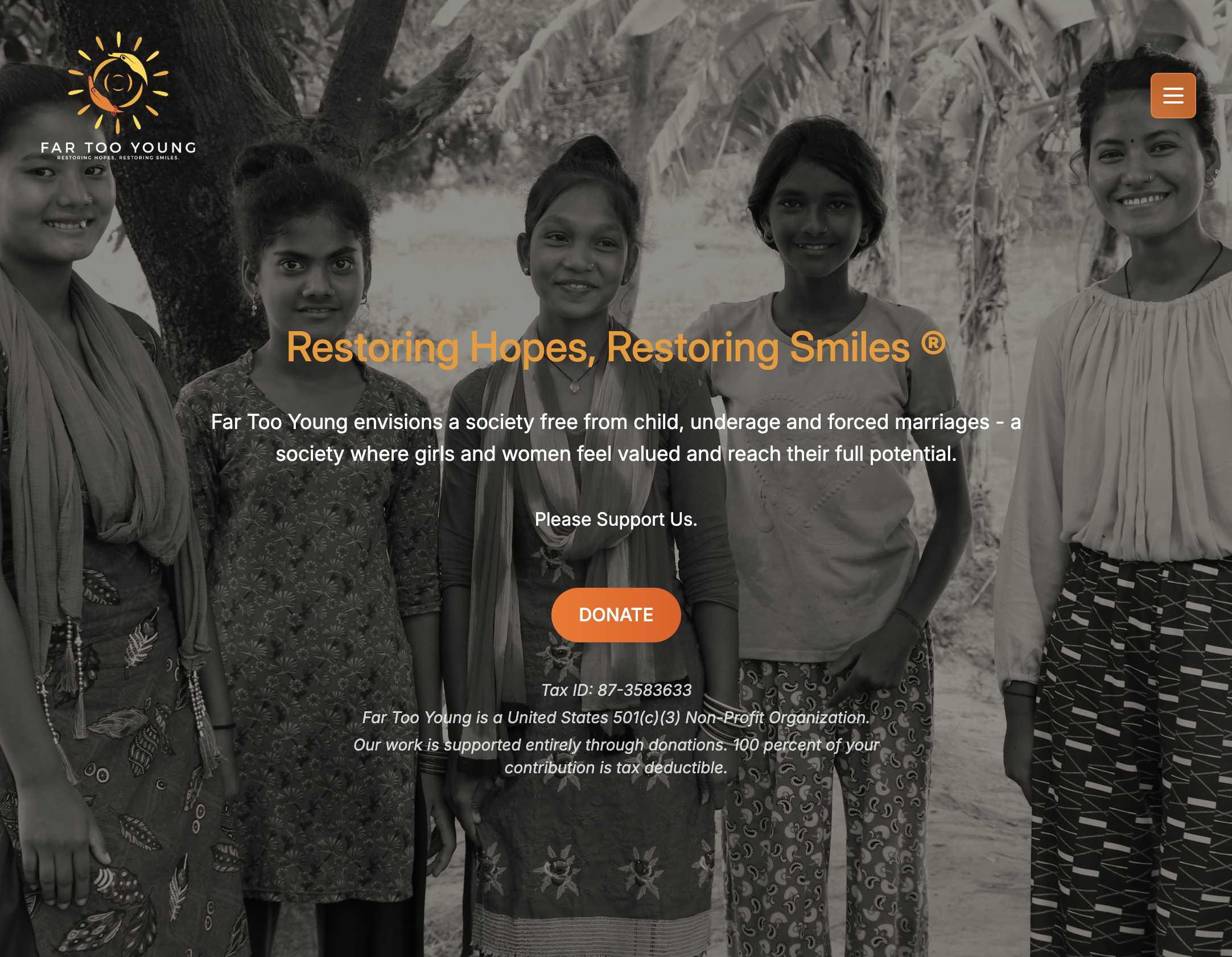
Volunteer tech lead for a nonprofit working against child marriage. I oversee IT projects, digital presence, and the tech team. I built the organization website (fartooyoung.org) with AI assistance, and I manage Google Workspace, AWS, and fundraising pipelines.

Far Too Young homepage — nonprofit site designed by Arun Dhungel
  • DailyUI
  • Figma
  • Adobe XD
  • UI
  • Prototyping

Daily UI Challenge

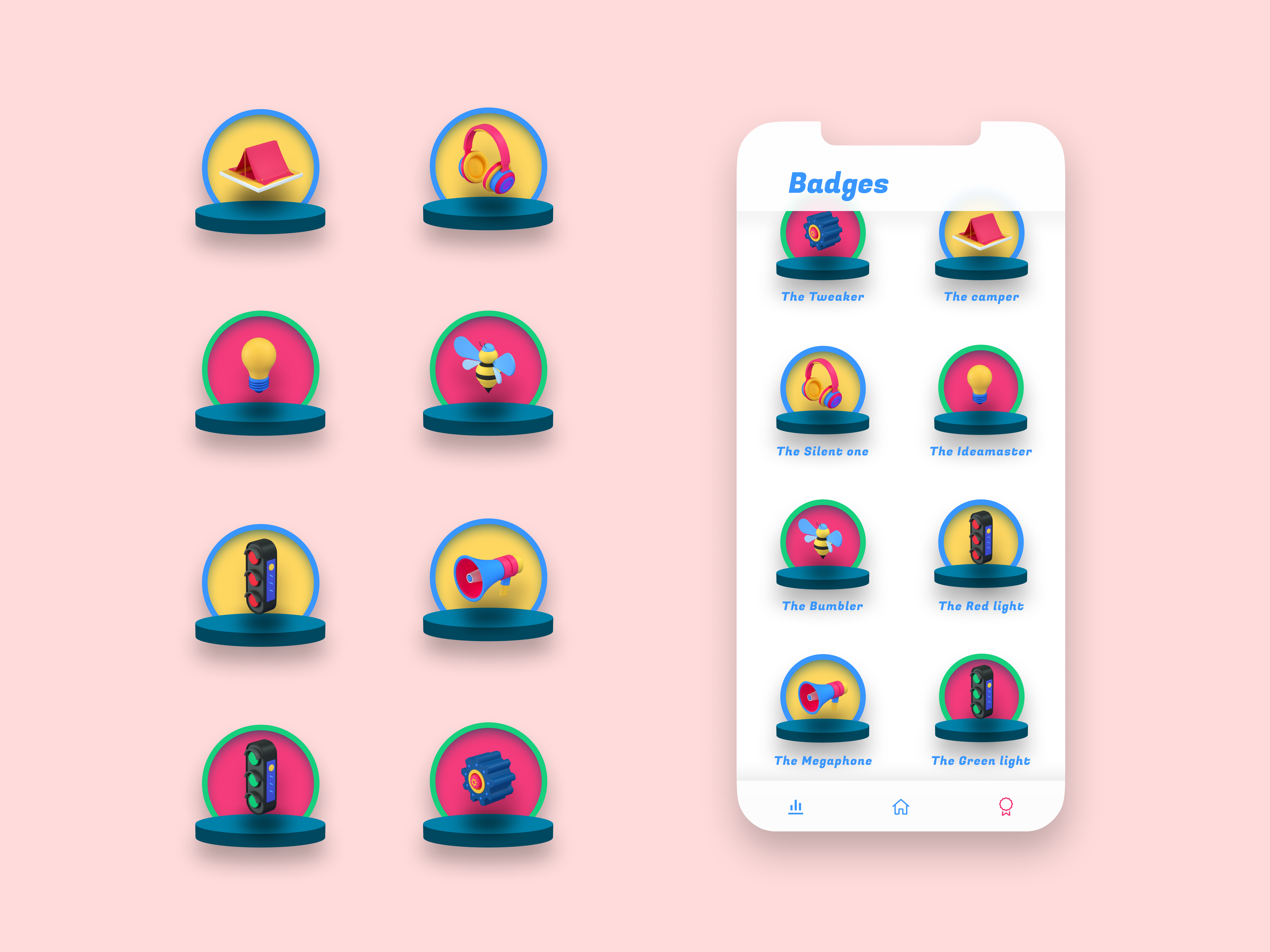
Fifty-six daily design prompts to get fluent in Adobe XD and Figma: design and prototyping practice.

I completed Daily UI tasks #001 through #056 to build muscle memory in Adobe XD and Figma. Each shot was a chance to explore layout, interaction, and prototyping. Not client work, but deliberate practice published on Dribbble.

See gallery
Daily UI challenge gallery: interface practice by Arun Dhungel in Figma and Adobe XD

Process

How I operate

Start with people, not pixels

I begin with real users: their goals, constraints, and context. Visual design comes after that.

Clarity over complexity

Enterprise and civic products are dense. I use progressive disclosure, clear hierarchy, and scannable layouts so people can find what they need.

Keep the experience coherent

From onboarding to power-user flows, the product should feel consistent across web, mobile, and admin tools.

Accessibility is baseline

Contrast, keyboard support, screen readers, and reduced-motion preferences are part of the work from day one, not a late pass.